Go Beyond Standard Catalog Creatives
Branded images for every product in your catalog, built from your feed.
Multiple designs, matched to products by rules, ready for Meta, TikTok, Pinterest and more.

 no templatesummer_sale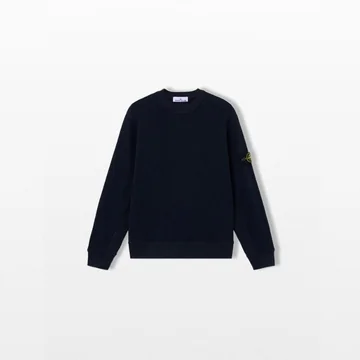
 no templateminimal_logo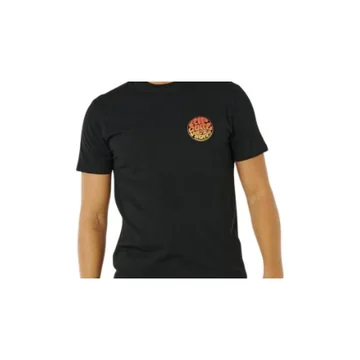
 no templatespecial_offers
 no templateminimal_logo
One Catalog, Multiple Designs
A catalog is rarely one homogeneous group of products. Create multiple templates and define rules that decide which one each product receives: a design for a category, another for a brand, one for a price range, seasonal designs for selected products. Templates are not applied blindly to the whole catalog. You control which products get each design, based on your product data.

The Right Brand Logo, Automatically
For multi-brand catalogs, Magelon reads the brand from your feed and places the matching logo on every creative. A catalog carrying 20 brands shows the correct logo on every product, without separate images to create or maintain, so branding stays consistent however large the catalog grows.
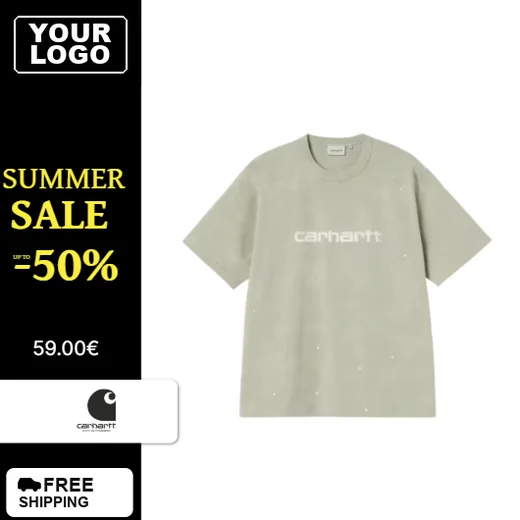


Not Limited to Meta
Product Image Templates is part of Magelon Feeds, so your dynamic product images go wherever your feed goes: Meta, TikTok, Pinterest and other advertising and product-feed channels. Run one set of templates for Meta, another for TikTok and a completely different visual approach for Pinterest. There is no fixed template or channel limitation.
Live Product Data on Every Image
Bind each layer of a template to a feed attribute. Titles, prices, sale prices and other product information are pulled from your catalog for every item, so one design produces a correctly filled creative for each product you sell.
 main
main alt 1
alt 1 alt 2
alt 2More Than the Main Product Image
Your feed already carries more than one image per product. Choose which image a template uses, so an alternate lifestyle or detail shot can front your creatives instead of the main packshot, straight from the catalog you already have.
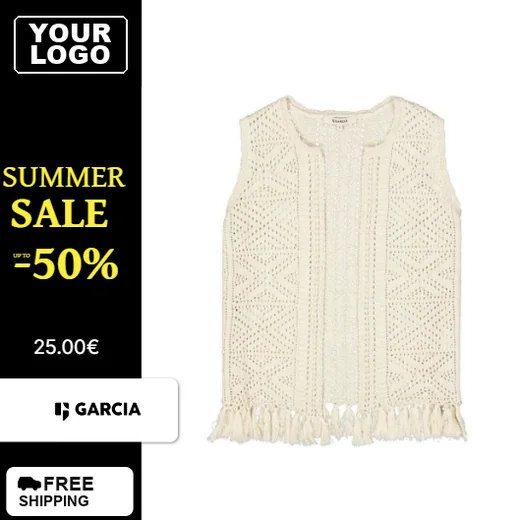




Generated Automatically
Once your templates and rules are set, Magelon generates the corresponding creative for every product, with no need to edit products one by one. Everything is managed from your product feed, giving you control over how your products are presented across your entire advertising strategy.
FAQ
What is Magelon Product Image Templates?
How is it different from the catalog ad templates in Meta?
Can different products use different designs?
How do brand logos work in a multi-brand catalog?
Which channels can I use the creatives on?
Do I need to edit products one by one?
What is Magelon Product Image Templates?
Product Image Templates is part of Magelon Feeds, found under Image Templates in the Magelon app. You create templates, define rules that decide which products receive each design, and Magelon automatically generates a branded creative for every product from your feed data, including titles, prices, images and brand logos.
How is it different from the catalog ad templates in Meta?
The catalog ad templates in Meta let you add visual elements such as branding to product images, within the Meta advertising environment. Magelon Product Image Templates takes a broader approach: you can run multiple templates, assign them to products with rules, display the right brand logo dynamically, and use the generated creatives on Meta, TikTok, Pinterest and other channels, with a different design for each channel.
Can different products use different designs?
Yes. Create as many templates as your catalog needs and assign them with rules based on product data, for example one template for a category, another for a brand, one for a price range, and seasonal designs for selected products or segments.
How do brand logos work in a multi-brand catalog?
Magelon uses the brand information in your feed to choose which logo appears on each creative. A catalog with products from 20 brands shows the relevant logo on every product automatically, without separate images to create or manage.
Which channels can I use the creatives on?
Meta, TikTok, Pinterest and other advertising and product-feed channels. Because Product Image Templates is part of Magelon Feeds, the dynamic product images are available wherever your feed is distributed, and you can use a different set of templates for each channel.
Do I need to edit products one by one?
No. Once your templates and rules are set, Magelon generates the creatives for all matching products automatically. You manage the designs and the rules; your product feed does the rest.
For further assistance, feel free to contact our team
Are you an Agency?
Custom plans, team access, and account grouping
Turning Your Product Feeds into a Competitive Advantage