Product catalogs are constantly growing, and creating individual creatives for every product is not a scalable way to run advertising campaigns. This is why template-based creative solutions have become an increasingly useful way to turn product data into branded, engaging visuals, without having to edit every product image manually.
To make catalog advertising more flexible, Meta has introduced template-based creative options that allow advertisers to add visual elements to their product images and create more branded catalog ads.
While this provides new creative possibilities for catalog advertising, Magelon Image Templates takes a broader approach, giving you more flexibility in how different products are presented and how your creatives are managed across channels.
Meta’s Catalog Ad Templates: A Step Further in Creative Customization
Meta’s solution allows advertisers to apply visual templates to products in their catalog and enhance product images with additional design elements.
The available options provide a simple way to add branding and other visual elements to catalog creatives while keeping the process connected to Meta’s advertising environment.
But what happens when one template is not enough?
One Catalog, Multiple Product Groups, Multiple Designs
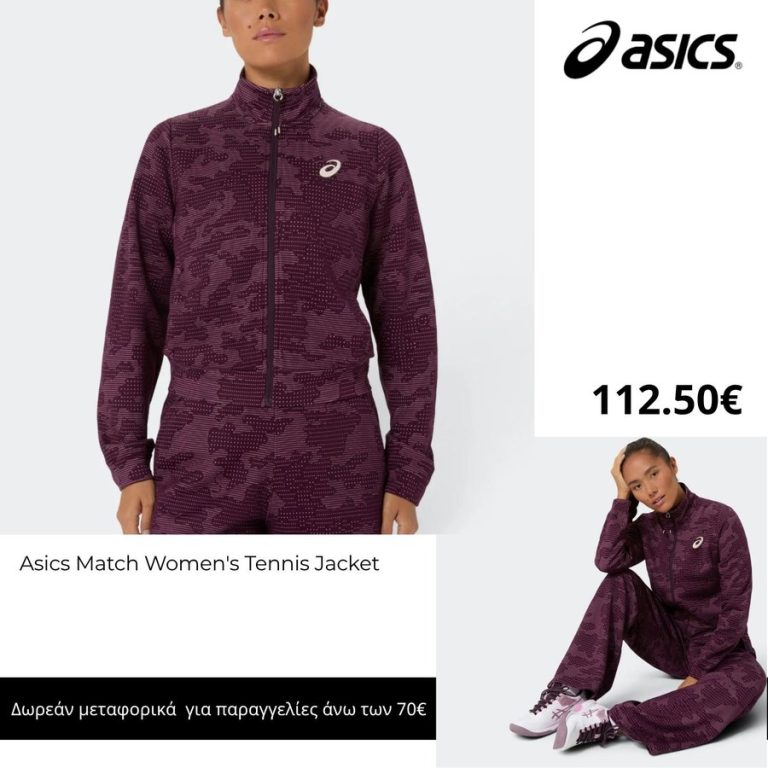
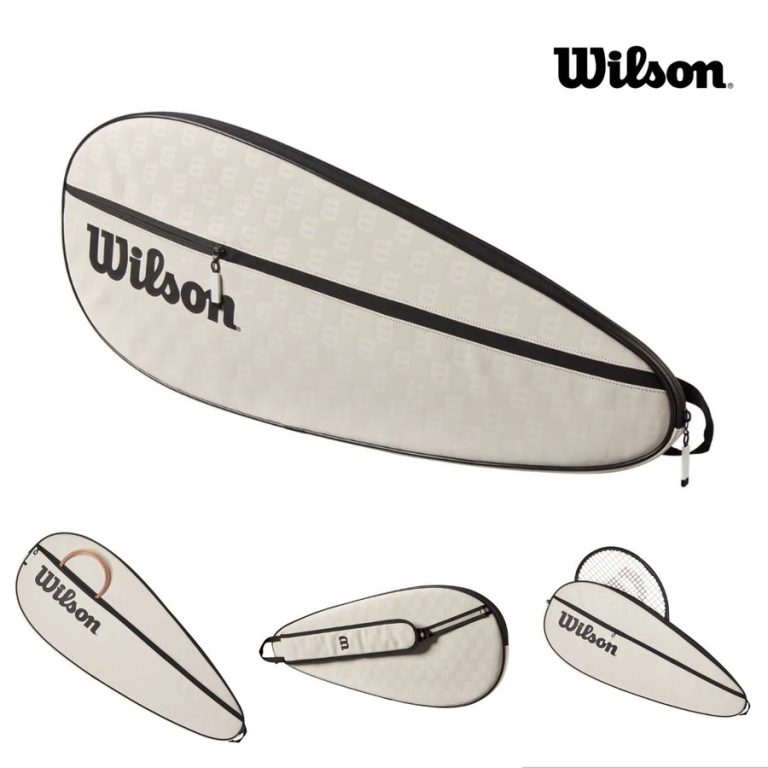
A product catalog rarely consists of one homogeneous group of products. You may have different product categories, collections, price ranges, seasonal products, promotions, or brands and each of them may need a different visual treatment.
This is where Magelon Image Templates offer a different approach.
Instead of relying on a single creative style across your catalog, you can create multiple templates and define rules that determine which template should be applied to each product.
For example, you can have:
- One template for a specific product category
- A different design for a particular brand
- Another template for products within a specific price range
- Seasonal designs for selected products
- Different creatives for different product segments
The templates are not simply applied to the entire catalog. You control which products receive each design based on rules and product data.
This gives you much more flexibility when managing large and diverse product catalogs.

Automatically Show the Right Brand Logo
For catalogs containing products from multiple brands, branding can become even more complex.
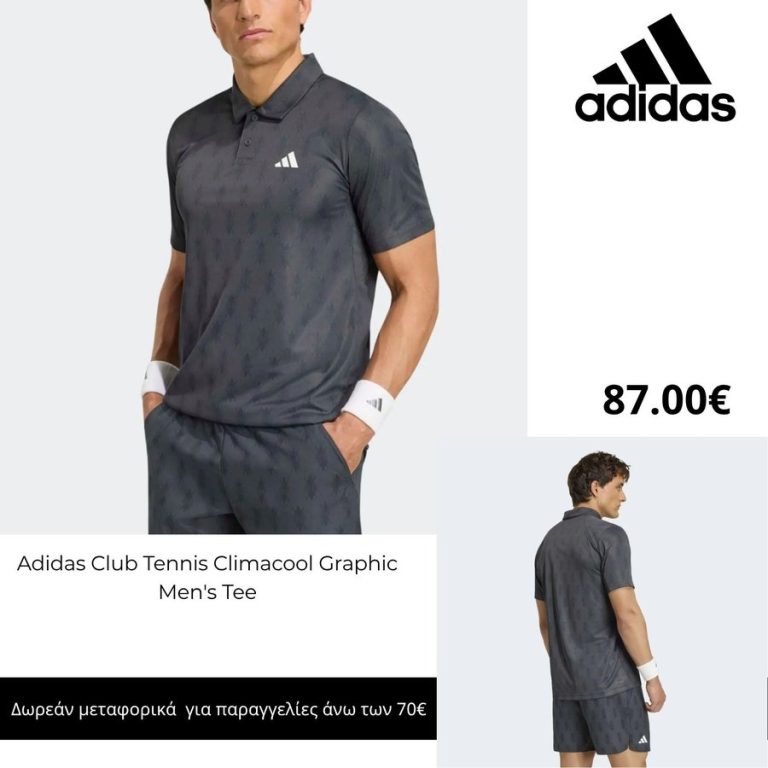
With Magelon Image Templates, you can use product information from your feed to determine which brand logo should appear on the generated creative.
This means that products from different brands can automatically receive the appropriate logo without having to create and manage separate images manually.
For example, a catalog containing products from 20 different brands can use the relevant brand logo dynamically, based on the product information in the feed.
This makes it easier to maintain consistent and accurate branding across large catalogs.



Your Templates Are Not Limited to Meta
Another important difference is where you can use the creatives you generate.
Magelon Image Templates is part of Magelon Feeds, so the generated product images can be used across different advertising channels, not only Meta.
The same template-based approach can support channels such as:
- Meta
- TikTok
- Other advertising and product-feed channels
Instead of creating a creative specifically for one advertising platform, you can create your templates once and use the generated images wherever your product feed is distributed.
You can also create different designs for different channels. For example, you can have one set of templates designed for Meta, another for TikTok, and a completely different visual approach for Pinterest.
There is no fixed template or channel limitation. You decide which products get which design and which creative is used on each channel.
Custom Creatives, Built Around Your Catalog
With Magelon Image Templates, you can create multiple designs for different product groups and define rules that determine which template is applied to each product. You can also dynamically display product-specific information, such as the appropriate brand logo, based on the data in your feed.
Once your templates and rules are set, Magelon automatically generates the corresponding product creatives, without the need to edit products individually. Your creatives are not limited to a single advertising platform. You can use Magelon Image Templates across Meta, TikTok, Pinterest, and other advertising channels, with the flexibility to create different designs for each channel.
This gives you greater control over how your products are presented across your entire advertising strategy.