Setting up a new team from your account menu.
Create the team
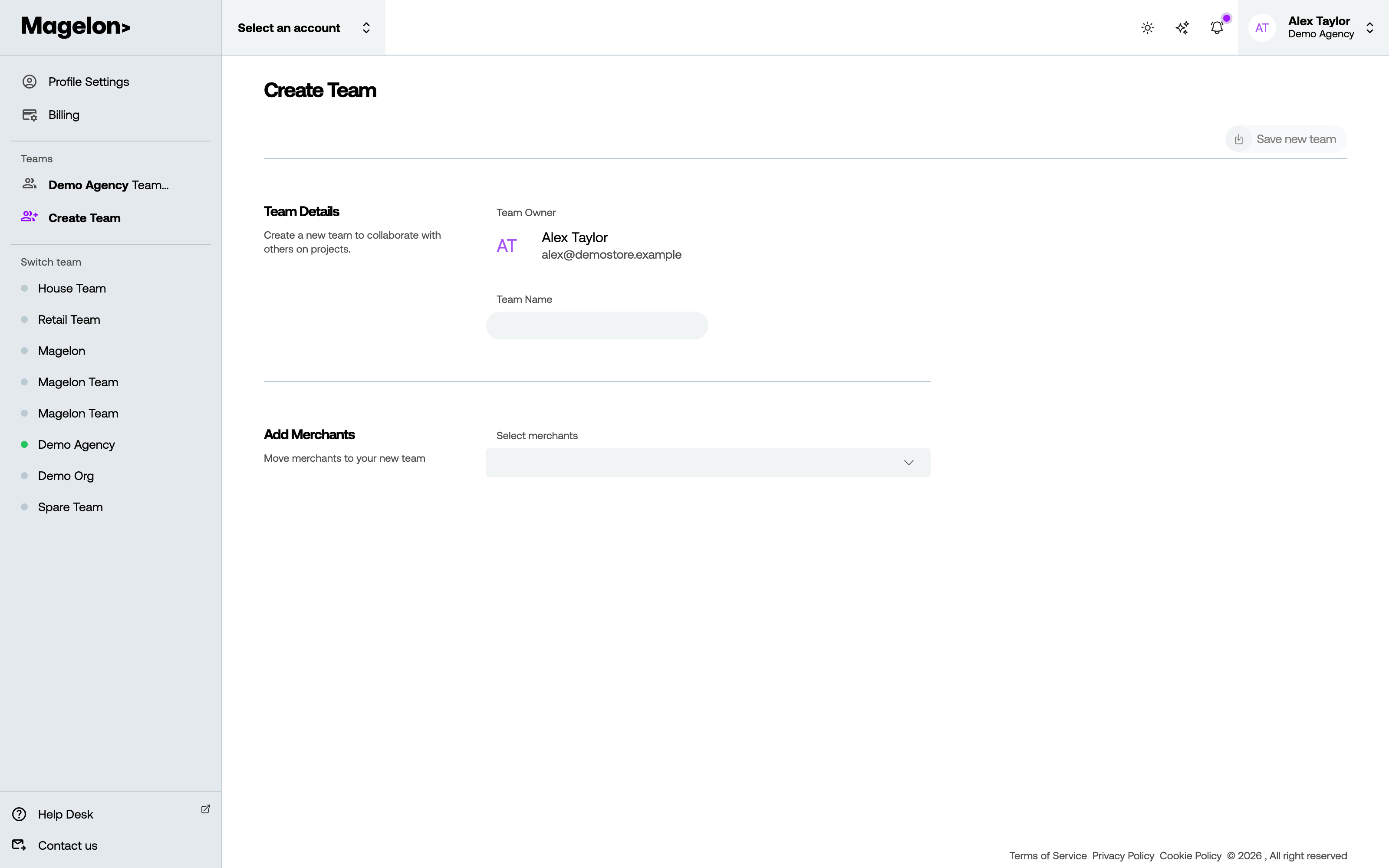
- Click your name at the top right and choose Create Team.
- Enter a Team Name. You are the team’s owner.
- Optionally, choose merchants under Add Merchants → Select merchants to move them into the new team.
- Click Save new team.
Assigning merchants to it
Selecting a merchant moves it: a merchant belongs to one team, so it leaves its current team and the people there lose access to it. Check who works on it before you move it.
You can also move a merchant later from its own settings — change its Team under Edit a merchant — and new merchants can be created straight into the team.
Next, invite the people who should work in it.